

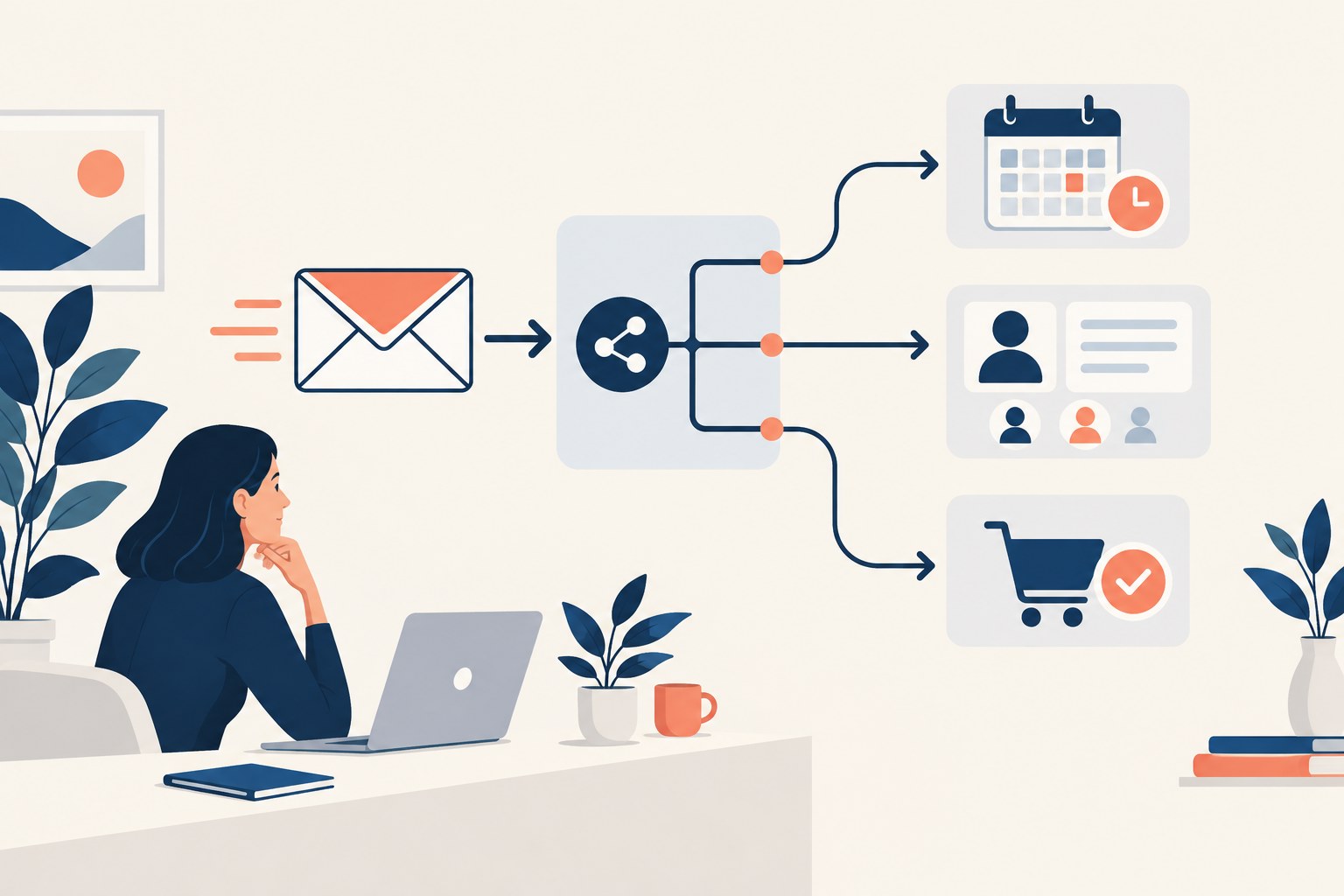
An automated email can be beautifully written and still arrive at the wrong moment. A customer receives a sales reminder after purchasing, a new subscriber gets two welcome messages, or an unanswered support complaint is followed by a cheerful promotion. An email automation audit looks beyond the copy to the rules that decide who receives what.
For growing brands and agencies, the most useful audit is a controlled rehearsal. Follow a small set of approved test records through the journeys, compare the outcome with the intended experience and document the gaps. The goal is a dependable customer process, not simply a larger collection of automated messages.
Map the email automation audit before testing
List every active journey and its owner. Record the entry condition, messages, delays, exit conditions and intended outcome. Include older campaigns that may still run quietly in the background. Ask the team to identify which journeys overlap and where the same person could qualify for several sequences.
Give each flow a clear business purpose. A welcome sequence should help a subscriber understand what they signed up for. An onboarding journey should support the first useful action. If nobody can explain why a sequence exists, pause and review its role before investing time in polishing its design.
Check the event that starts the journey
Inspect the source of the trigger. Does it come from a website form, a completed purchase, a CRM stage or a manual import? Check the actual values received by the platform. A connection marked active does not prove that every event is complete, timely or mapped to the right contact.
Use hypothetical test customers with deliberately different situations. Include someone already subscribed, someone with an existing account and someone who should be excluded. Keep the records clearly labelled and use approved addresses. Never run a new test by accidentally sending promotional emails to real customers.
Review exclusions before writing another message
Write down who should not enter each flow and when someone should leave it. A purchase may end a sales reminder; a support case may justify different communication; an unsubscribe must be handled through the platform’s appropriate suppression process. Translate those intentions into rules that the team can inspect.
Pay attention to imported contacts and records with incomplete preferences. Missing information should trigger review, not optimistic assumptions. Keep the organisation’s permission and communication policies visible to the people building workflows. Technical convenience is a poor reason to send a message that the recipient did not expect.
Test timing and overlapping journeys
Read the schedule as the recipient would experience it. Three separate teams might each consider one weekly email reasonable while creating an excessive combined sequence. Map likely overlaps and decide how the platform should handle them. Frequency controls are only helpful when their scope and exceptions are understood.
Check time zones and delays around weekends or service hours. If a message invites an immediate reply, make sure someone can respond within the stated timeframe. Avoid promising a callback or limited offer that the receiving team cannot deliver when the automation actually runs.
Inspect personalisation and evidence
Test missing names, unusual characters and empty fields. A fallback should read naturally and avoid exposing internal labels. Review generated copy for unsupported product claims, mistaken deadlines and invented benefits. AI assistance can produce useful variations, but every message still needs an accountable editor.
Use the same evidence standards you would apply to a sponsored-content brief. Confirm the offer, audience and supporting material before approving persuasive language. A fluent email does not become accurate because it was created quickly or passed a spelling check.
Follow every link to the destination
Open the links in representative desktop and mobile environments. Confirm that the offer, page and next action match the email. Check downloads, login requirements and any promotional conditions. A working URL can still be the wrong destination if the page does not fulfil the promise that encouraged the click.
Test the resulting form or purchase journey with the responsible team. Confirm the acknowledgement and internal notification. Use consistent campaign labels where appropriate, but avoid inserting personal information into tracking parameters. The audit should improve measurement without making customer data part of an unnecessarily exposed URL.
Verify the CRM handoff
Follow a qualified response into the sales process. Check who receives it, whether ownership is clear and whether the next task has a realistic deadline. A successful email campaign can still fail commercially if useful enquiries wait unattended in a shared inbox.
Our CRM buying guide offers practical checks for ownership and follow-up. If an automation changes a record, confirm that it does not overwrite a salesperson’s valid update or send the contact back into a sequence they already completed.
Measure useful outcomes and customer friction
Choose an outcome for each flow, such as a completed setup, relevant reply or qualified enquiry. Also review complaints, unsubscribe patterns and feedback from support. A sequence that generates clicks while confusing customers may need a different approach, even if its engagement report looks attractive.
Read platform attribution with context. Compare outcomes with campaign timing and other activity rather than treating every credited result as proof of causation. ReviewStreet’s B2B attribution guide explains why multiple perspectives are useful when assessing a long buying journey.
Turn findings into a maintenance routine
Record each issue, its evidence, severity, owner and proposed fix. Resolve broken links, incorrect recipients and misleading offers before debating minor visual preferences. Retest the relevant journey after changes and preserve the results so future editors understand the original decision.
Our email automation platform guide can help when the audit reveals missing controls. First check whether the current system can support the required workflow; replacing software before understanding the problem may simply recreate it elsewhere.
Frequently asked questions
How many test records are enough?
Use enough to cover the important branches and exclusions. Complexity matters more than a fixed number. Include failure cases rather than testing only the ideal customer journey.
Should all automation stop during an audit?
Not automatically. Use controlled testing and pause specific flows when a confirmed problem warrants it. Coordinate changes with the people responsible for customer communication.
What is the best first check?
Follow one signup from entry through the first message and onward to its promised destination. That simple exercise often exposes assumptions worth investigating.
Marketing platforms and agencies can enquire about relevant sponsored guides on ReviewStreet. Contributions should explain useful practices and support commercial claims with evidence.