

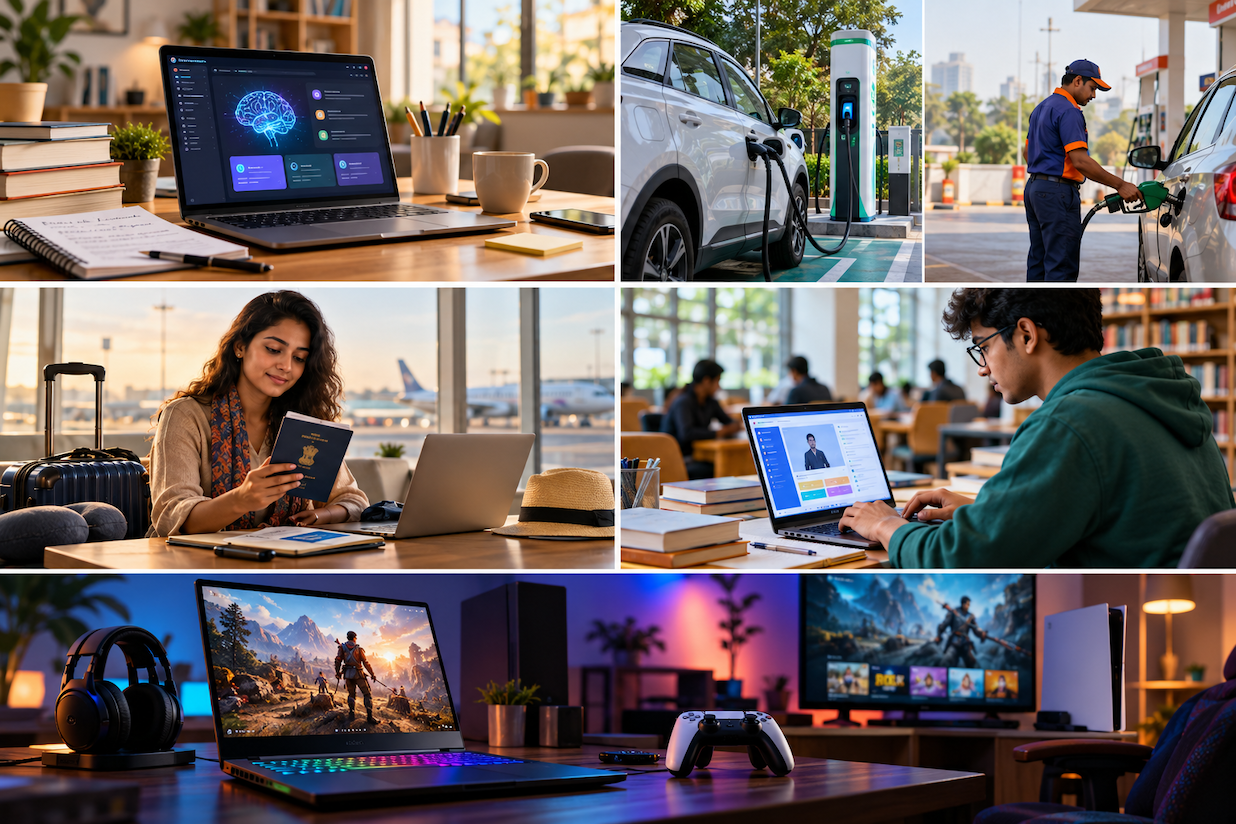
Best AI Laptops in 2026: What Indian Students and Professionals Should Know Before Buying
AI-powered laptops are changing the way people study, create content and work. But not every laptop advertised as an AI PC offers meaningful advantages. Here is a practical guide to choosing the right machine without paying for features you may never use.
The laptop market is experiencing one of its most significant technological transitions in years. Artificial intelligence, previously associated mainly with cloud applications and powerful desktop computers, is increasingly becoming part of everyday personal computing.
For Indian students, working professionals, content creators and small-business owners, this development presents an interesting question: is it worth buying an AI laptop in 2026, or will a conventional laptop continue to deliver better value?
The answer depends less on marketing terminology and more on the kind of work the buyer expects to perform.
A laptop with a powerful processor, sufficient memory and reliable battery life can remain productive for several years. However, a newer generation of AI-capable laptops adds dedicated hardware designed to handle selected machine-learning workloads efficiently.
Understanding these differences can help consumers avoid expensive purchasing mistakes.
What Is an AI Laptop?
An AI laptop is a computer equipped with hardware and software capabilities that can accelerate artificial-intelligence tasks.
Traditional computers primarily rely on the central processing unit (CPU) and graphics processing unit (GPU). Newer AI PCs may include a neural processing unit (NPU), a specialised component designed to execute certain AI operations using comparatively little power.
An NPU does not automatically make every application faster. Its usefulness depends on whether the operating system and installed applications can take advantage of it.
For example, supported software may use local AI acceleration for background effects during video meetings, image processing, transcription or other tasks.
Some advanced applications still require a powerful GPU, while large AI models may continue to run primarily through cloud services.
This distinction is important because an AI laptop and a laptop that can access AI websites are not the same thing.
Why AI Laptops Matter in 2026
Three developments are making AI-focused laptops increasingly relevant.
1. More AI Features Are Moving Onto Devices
Cloud-based AI tools require an internet connection and remote computing resources. On-device AI can perform certain supported tasks locally, potentially reducing latency and limiting the amount of information transmitted to external servers.
However, privacy benefits depend on how the particular application processes and stores information.
2. Battery Efficiency Is Becoming a Major Selling Point
Dedicated AI accelerators can perform compatible tasks without continuously relying on power-hungry components.
For people attending lectures, travelling between meetings or working remotely, power efficiency can be more valuable than headline benchmark performance.
3. AI Features Are Becoming Part of Everyday Software
Document summarisation, image enhancement, speech processing, accessibility functions and intelligent search are gradually becoming familiar computing features.
The practical value lies in saving time on repetitive work rather than simply having an AI label on the laptop.
Understanding the Hardware That Matters
Processor: The Foundation of Performance
The CPU remains central to overall laptop performance.
Intel Core Ultra, AMD Ryzen AI and Apple silicon families illustrate different approaches to combining general computing with AI acceleration.
Buyers should compare the exact processor generation and model instead of assuming that all products within a branded family offer identical performance.
A processor suitable for web browsing and office documents may not be ideal for heavy video editing, engineering simulations or demanding games.
NPU: Useful but Not a Universal Performance Guarantee
Neural processing performance is commonly expressed in TOPS, or trillions of operations per second.
Although this figure helps describe theoretical AI throughput, it does not directly indicate how quickly a laptop will perform every real-world AI task.
Software compatibility, memory bandwidth, power limits and implementation quality also matter.
For buyers specifically interested in Windows Copilot+ PC capabilities, checking Microsoft’s current hardware eligibility requirements is essential.
RAM: Avoid Buying Too Little
Memory is one of the most important considerations for long-term usability.
For basic computing, 8GB may still handle light workloads, but 16GB is a more comfortable starting point for many new laptops.
Students using multiple browser tabs, productivity applications and online learning platforms will benefit from additional memory.
For software development, advanced content creation and demanding multitasking, 32GB may be worth considering.
Some thin laptops have soldered memory that cannot be upgraded later. Buyers should verify this before purchasing.
Storage: Prioritise SSD Performance
A 512GB solid-state drive is a practical starting point for many users.
Those working with large video files, extensive design projects or multiple virtual machines may prefer 1TB or more.
Storage capacity and storage speed are separate considerations. Buyers should also check whether the SSD can be replaced.
Choosing an AI Laptop According to Your Needs
| User | Suggested configuration |
|---|---|
| School or college student | Modern efficient processor, 16GB RAM, 512GB SSD |
| Office professional | 16GB RAM, quality webcam, strong battery life |
| Content creator | 16–32GB RAM, colour-accurate display, capable GPU |
| Programmer | 16–32GB RAM, strong CPU, adequate cooling |
| Frequent traveller | Lightweight design, long battery life, USB-C charging |
These are general guidelines rather than minimum requirements for every application.
Display Quality Deserves More Attention
A laptop screen is something the user interacts with for hours every day.
Full HD or higher resolution, comfortable brightness, accurate colours and good viewing angles can improve the overall experience.
OLED displays offer excellent contrast and deep blacks, but buyers should consider power consumption, reflective coatings and long-term usage patterns.
A good IPS display may provide better value for students who primarily read documents and attend online classes.
Refresh rate is another consideration. A 120Hz display can make scrolling smoother, but it is not essential for routine productivity.
Battery Life: Look Beyond Advertised Figures
Manufacturers often advertise battery endurance under controlled conditions.
Actual performance varies with screen brightness, wireless connectivity, application demands, processor configuration and background activity.
Video playback figures should not be treated as equivalent to continuous office productivity.
Independent testing under realistic workloads is more useful than a single promotional number.
Also check charging speed, adapter size and whether the laptop supports charging through standard USB-C power delivery.
AI Laptops for Students: Are They Worth It?
Students should prioritise durability, keyboard comfort, service support and affordability.
An expensive AI laptop will not automatically improve academic performance.
For research and writing, a conventional modern laptop with sufficient RAM may deliver excellent results.
AI features can nevertheless be useful for supported transcription, accessibility, study organisation and content creation.
Students should also understand their institution’s academic-integrity policies before using generative AI for assignments.
The most sensible purchase is a laptop that performs everyday academic work reliably and remains useful throughout the course.
AI Laptops for Working Professionals
Business users have somewhat different priorities.
Video-conferencing quality, security, connectivity, battery life and portability often matter more than graphics performance.
Professionals working with confidential business information should carefully evaluate whether AI features process information locally or transmit it to cloud services.
Hardware security features, operating-system support, biometric authentication and regular software updates are important.
Small-business owners should also consider warranty terms, service availability and the cost of downtime.
What About Content Creators?
For photographers, video editors and designers, a capable GPU and adequate memory may be more important than NPU performance alone.
AI-assisted editing tools can accelerate tasks such as masking, background removal and image enhancement, but performance depends heavily on software implementation.
Creators should evaluate display colour accuracy, sustained processing performance, storage speed and external monitor support.
Buying a machine solely because it advertises AI acceleration may result in disappointment if the intended editing applications do not use that hardware effectively.
Seven Mistakes to Avoid When Buying an AI Laptop
- Buying only because of AI branding: Verify which features are actually supported.
- Ignoring memory: Insufficient RAM can affect performance for years.
- Assuming every AI feature works offline: Many services still depend on the cloud.
- Overlooking the display: A poor screen can make daily work uncomfortable.
- Comparing processors by brand name alone: Exact model specifications matter.
- Ignoring after-sales service: Repair availability is particularly important in India.
- Paying extra for unused capabilities: Match the configuration to real workloads.
How Much Should You Spend?
Rather than selecting a laptop based on a predetermined price category, establish the applications it must run.
A student primarily using documents and browsers can often choose a less expensive machine than someone editing professional video.
Compare the complete ownership cost, including software, accessories, extended warranty and potential repairs.
Seasonal discounts may reduce the purchase price, but a lower price does not compensate for unsuitable hardware.
Buyers should compare the same configuration across authorised sellers and verify warranty eligibility.
Frequently Asked Questions
Is an AI laptop better than a normal laptop?
Not necessarily. AI laptops can accelerate supported AI workloads, but conventional laptops may offer comparable performance for ordinary tasks.
Do AI laptops work without the internet?
Some AI functions can run locally. Others require cloud access. The answer depends on the software and feature.
Is 16GB RAM enough for an AI laptop?
For many students and office users, 16GB is a sensible starting point. Demanding creative and development workloads may benefit from more.
Do students need an NPU?
An NPU is not essential for most academic activities, although it may improve efficiency in compatible applications.
Can AI laptops run games?
Yes, but gaming performance depends primarily on the CPU, GPU, cooling system and game requirements.
Will AI laptops become outdated quickly?
Technology will continue evolving. Choosing sufficient memory, storage, reliable construction and ongoing software support can help extend useful life.
Final Verdict
The best AI laptop in 2026 is not necessarily the one with the highest advertised AI performance.
For most Indian buyers, the strongest choice combines dependable processing power, sufficient memory, good battery endurance, a comfortable display and reliable service support.
AI acceleration should be treated as an additional capability that supports genuine productivity needs.
Consumers who make their purchase decisions around actual usage rather than promotional claims are more likely to find a laptop that offers lasting value.
ReviewStreet Consumer Technology Desk